Integrations
Connect the tools already in your day.
Your calendar, your email, and your booking link keep working the way they do now — the difference is that the scheduling and the sending stay attached to the lead and client records in your insurance agency's AgencyCommand workspace.
How a connection works
Connect once, then keep working.
A connection is authorized from settings and then stays in the background. What differs is what each service is for — which is why AgencyCommand describes each one honestly instead of promising identical sync everywhere.
- 1Agency-Wide
Connect
Authorize the account from settings — agents connect their own, agencies connect the agency's.
- 2Agency-Wide
Flow
Scheduling and email move between the service and AgencyCommand.
- 3Agent Workflow
Work
Agents handle the appointment or send the email inside AgencyCommand.
- 4Agency-Wide
Keep context
The result stays on the lead or client record it belongs to.
Google Calendar
Scheduling stays true in both directions.
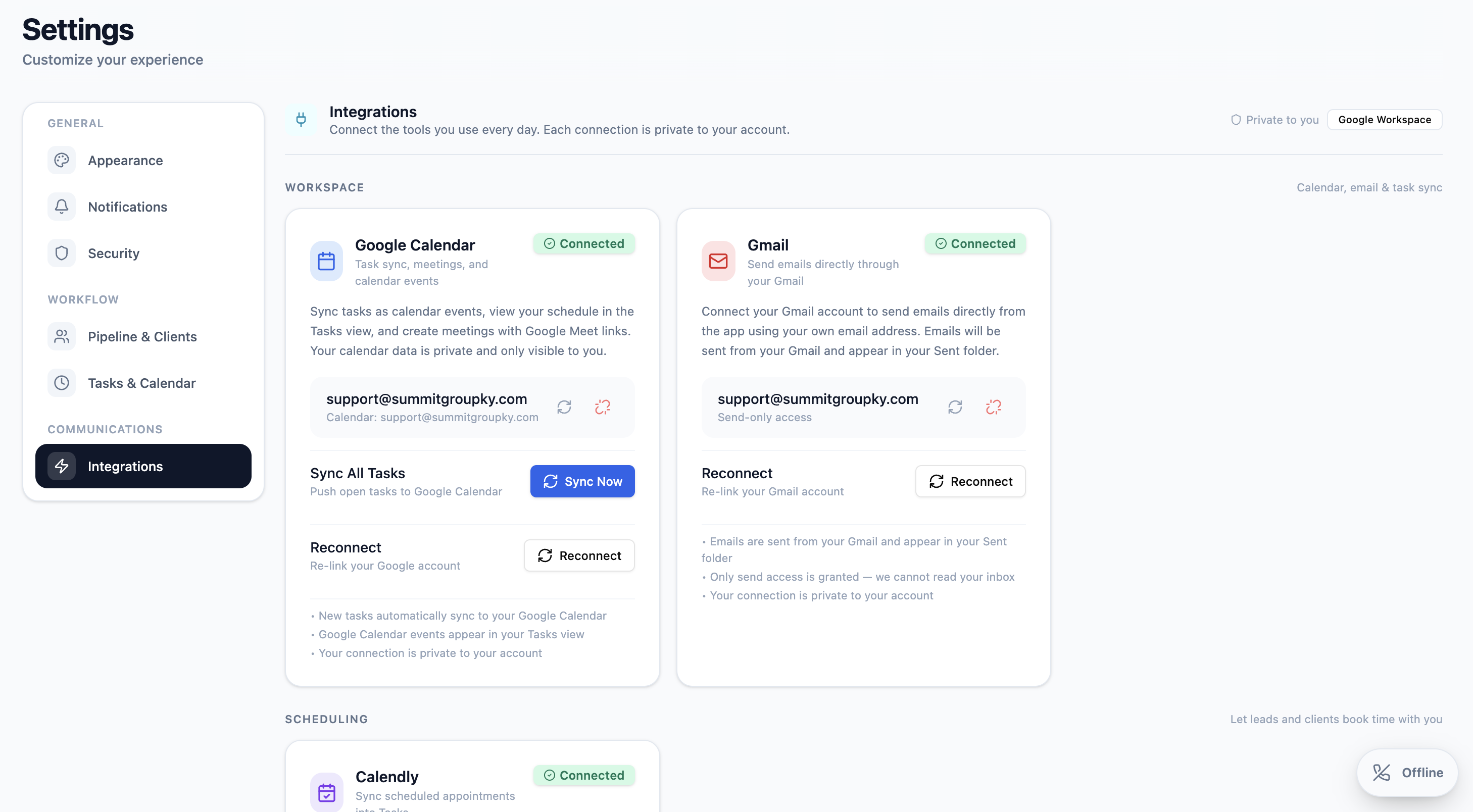
Appointments and scheduled work created in AgencyCommand are written out to the connected Google Calendar, and events already on that calendar are read back into AgencyCommand — so an agent looking at either one sees the same day. AgencyCommand recognizes the events it created, so the same appointment doesn't show up twice.
- AgencyCommand → Google Calendar: appointments and scheduled work appear on the connected calendar
- Google Calendar → AgencyCommand: existing calendar events show up alongside AgencyCommand work
- Updates carry across, and app-created events are recognized rather than duplicated
- Guest invitations are sent by Google Calendar itself, so invitees get the email they expect
- Meeting links travel with the appointment
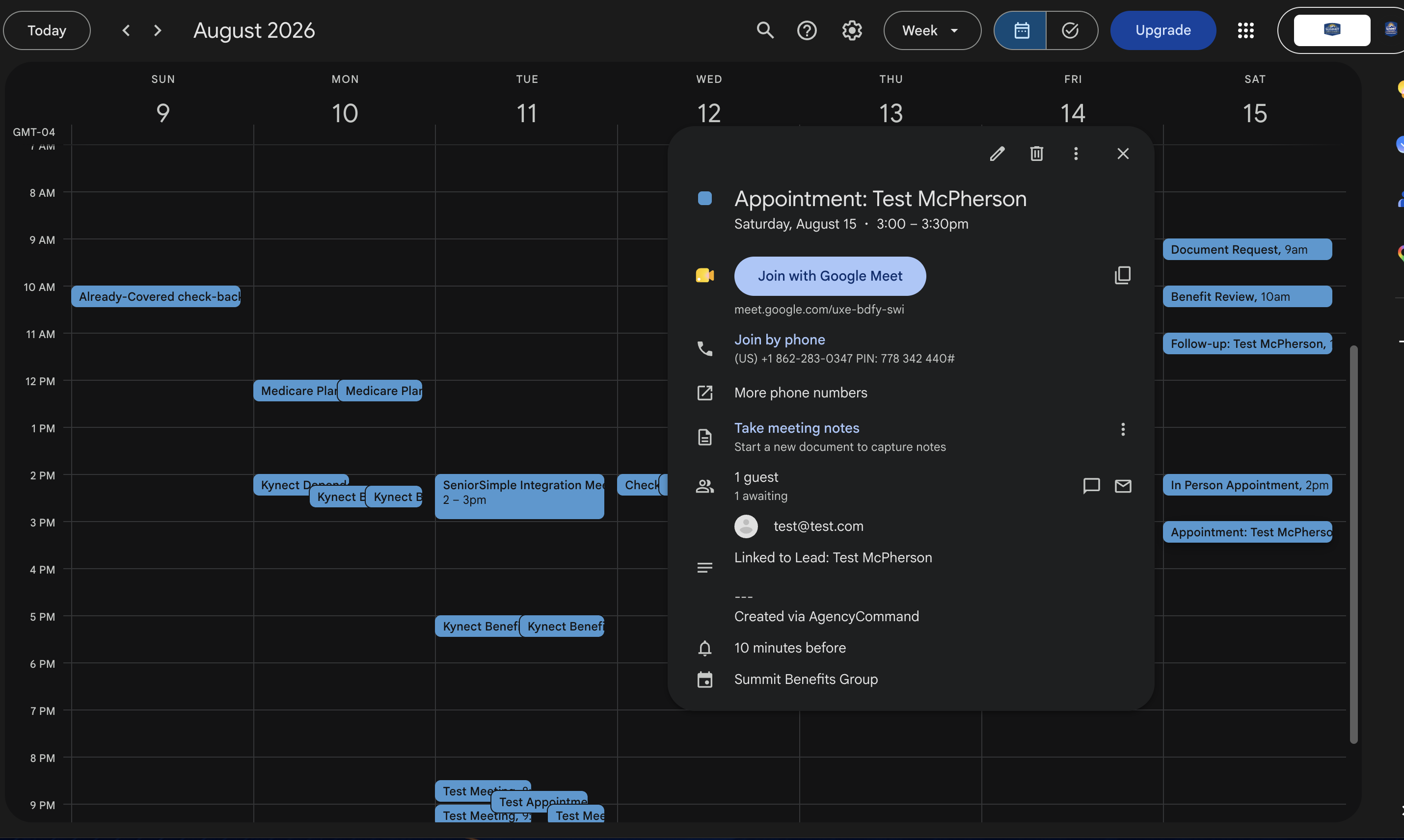
One deliberate limit: completing a task in AgencyCommand is an AgencyCommand outcome, not a change to the Google event. The full scheduling workflow is covered on the Calendar page.
Gmail
Send through the account you already use.
AgencyCommand doesn't give you another inbox. It sends through a connected Gmail account so the message comes from a real, recognizable address — and there are two connections, because individual email and agency email are different jobs.
The agent's own account
Each agent connects their own Gmail for the email they send to a specific lead or client.
- Sent from a real person, not an anonymous system address
- Prepared templates can be applied and edited before sending
- Recorded on the client's communication history once the send succeeds
The agency's account
Agency Management connects one agency account used for larger and automated sending.
- Campaign email to a filtered audience of clients or leads
- Automated client email, sent from the agency rather than one agent's mailbox
- The sending account is stated before a campaign goes out
When a send succeeds it is recorded on the client's communication history in AgencyCommand. AgencyCommand is not an email host and does not read your mailbox.
Calendly
Bookings arrive as real scheduled work.
When someone books through Calendly, that booking is brought into the AgencyCommand calendar as scheduled work the agent can see next to everything else on the day — and complete in AgencyCommand once it's done. The booking link keeps behaving exactly as it does today.
- Calendly booking → AgencyCommand calendar, alongside tasks and appointments
- The agent works and completes the appointment inside AgencyCommand
- No re-entering a booking that already exists somewhere else
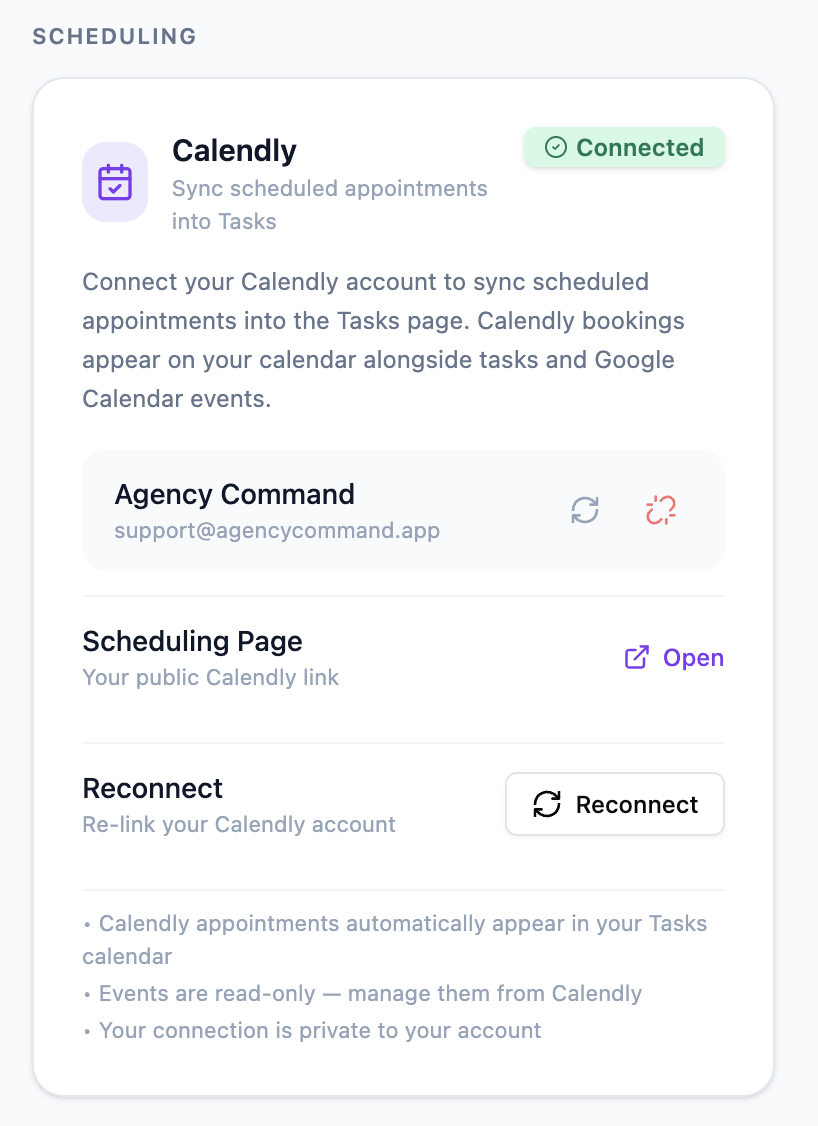
This connection is inbound. AgencyCommand does not create or edit Calendly events, and it does not manage your Calendly availability — that stays in Calendly.
Honest by design
Connected, but not all the same.
Each connection respects how the external service actually works. Saying so is more useful than claiming everything synchronizes identically.
- Two-way sync
Google Calendar
Scheduled work flows out to the calendar, and calendar events flow back in.
- Connected sending account
Gmail
AgencyCommand sends through the connected account and records the successful send.
- Inbound
Calendly
Bookings come into AgencyCommand; Calendly keeps ownership of the event and availability.
Product walkthrough
See the connections in action.
Connecting an account, and what changes in the daily workflow afterwards.
Connecting AgencyCommand to Your Everyday Tools
Google Calendar syncing both ways, sending from a connected Gmail account, and a Calendly booking arriving on the calendar.
Continue the workflow
Connect your tools to AgencyCommand.
Book a walkthrough and we'll connect a calendar and a sending account with you.